The Ternary Operator -JavaScript
I'm a software engineer who loves building cool stuff and figuring out tricky problems. I work across the full stack and always enjoy learning new tech, especially when it leads to something useful in the real world.
This is how I got comfortable using the ternary operator. So the other day I tried to solve a leet code problem with JavaScript. I wanted to use the ternary operator to write shorter code. It was a little tough though I had prier knowledge on the basic use of the ternary operator. I searched for articles on my specific need of the ternary operator but found articles that did not meet my needs. There are some pretty good articles out there and I decided to write this one just in-case an advancing beginner like myself might need it. My immediate queries to google were on how to combine different statements onto a single statement as we did in if else statements. For example ;
 if (myAge < herAge && mySchool==herSchool){
                console.log("True");
                myAge++;
        }else {
                console.log("false")

 }
To achieve the same results using the Ternary Operator we need to first understand the meaning of some of the operators used.
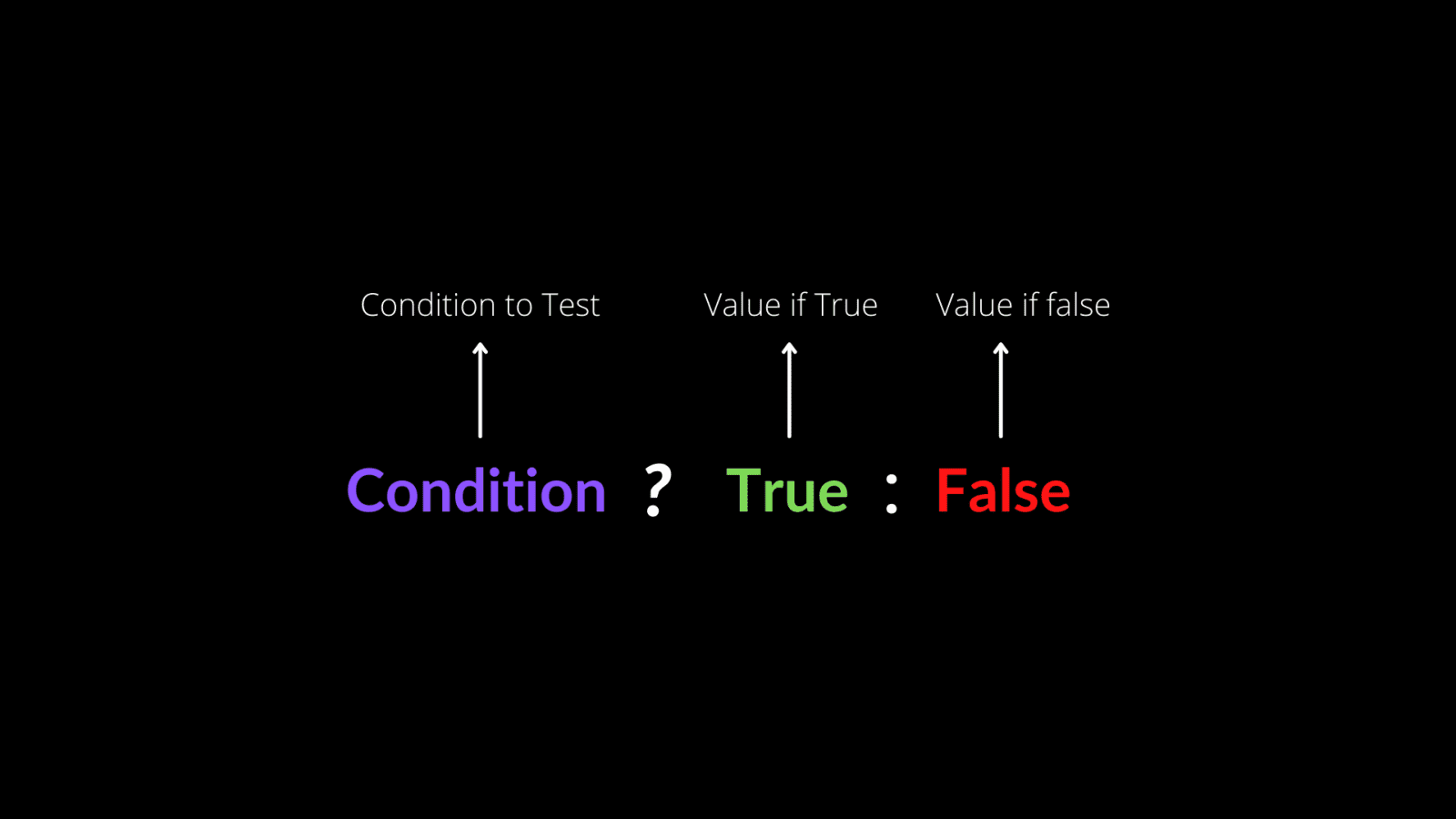
- ? This is the same as saying if . That is if any of the conditions stated before the ? are true, then do this (everything after the ?) .
- : This is the else statement in the ternary operator. Everything coming after it are considered an else block.
- && The and operator which usually makes sure that both statements are correct before an if block is executed. It is usually used before the ? In a ternary equation as I like to call it.
- || The or operator as it is commonly known. It’s use a slightly different in a ternary operator. It is used after the : and means that if the condition is correct we should execute code on both sides of this operator.
This is what I have so far used and I am yet to know if it is the correct use case. If I may have made any errors please be sure to comment so I can update the write-up. So if I wanted to achieve the same result as this;
 if (myAge < herAge && mySchool==herSchool){
                console.log("True");
                myAge++;
        }else {
                console.log("false")

 }
Using the ternary operator this would be my code;
myAge < herAge && mySchool==herSchool ? console.log("true") || myAge++ : console.log("false")
REMEMBER : Ternary operators are often slower than if else statements. When highly nested they often prove hard to read and thus make your code quite difficult to mantain.


